![Trustero_Logo_RGB_1C.png]](https://support.trustero.com/hs-fs/hubfs/Trustero_Logo_RGB_1C.png?height=40&name=Trustero_Logo_RGB_1C.png)
Getting Started:
- Navigate to the Settings / Scheduling page from the Features menu
Built-in Evidence Collection Schedule
Each account includes a built-in Weekly Receptor Run that executes all receptor types every Friday morning (GMT). The default user notification list for this schedule includes all current admin users in the account.
This built-in schedule can be modified, for example, changed to run daily or moved to a different day and time or timezone.
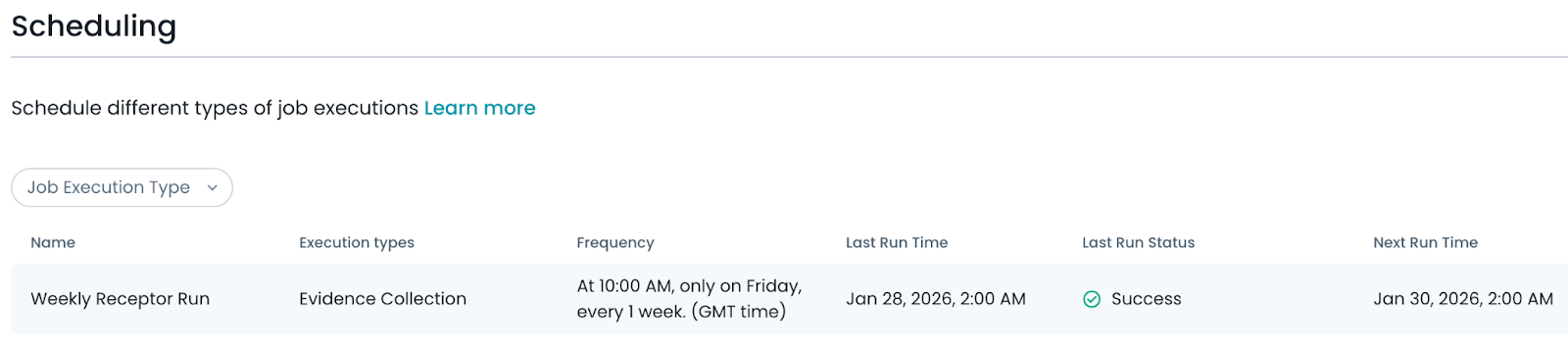
Built-In Evidence Collection
Creating a New Schedule
To create a new schedule, select Schedule Job Execution and provide a name, an optional list of users to notify when the schedule completes, and the desired run frequency.
Schedules can run as frequently as every 30 minutes, or on an hourly, daily, weekly, monthly, quarterly, or annual basis. Each frequency option includes additional settings to refine timing. For example, weekly schedules allow you to select both the day of the week and the time of day the schedule runs.
New schedules default to your local time zone, but you can change the time zone if needed.
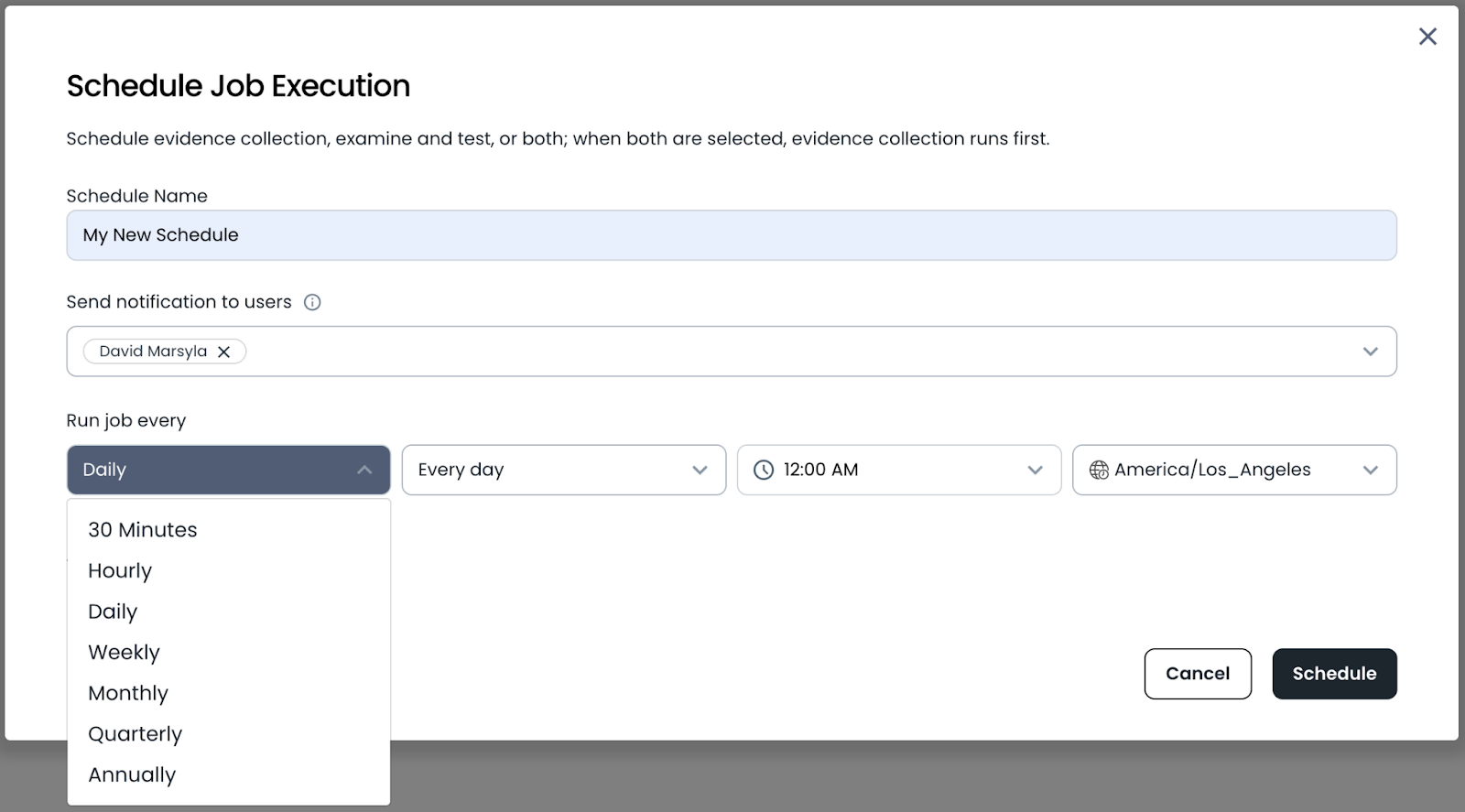
Schedule Job Execution
Setting the Job Execution Type
Schedules can be set to collect evidence, examine and test controls, or run playbooks. If multiple options are selected together in a schedule, evidence collection will always run first.
Note: only one type of evidence collection, and one type of examine and test can be added to a single schedule. For example, you cannot collect evidence by evidence type and also collect evidence by selected receptors in the same schedule.
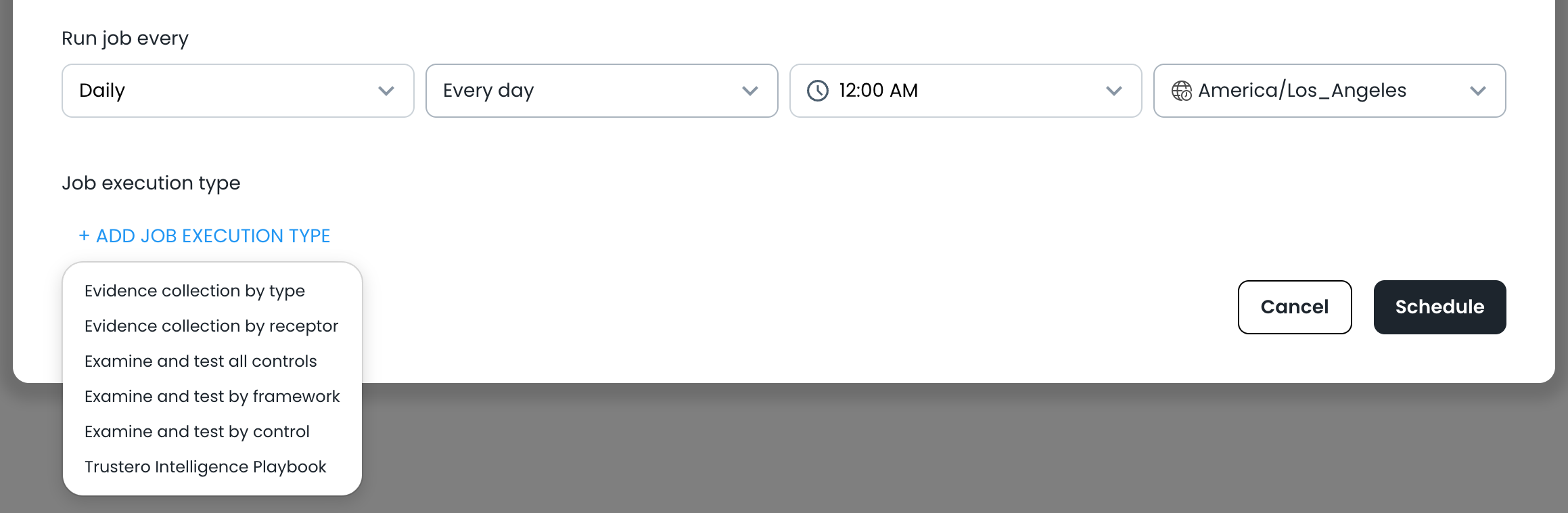
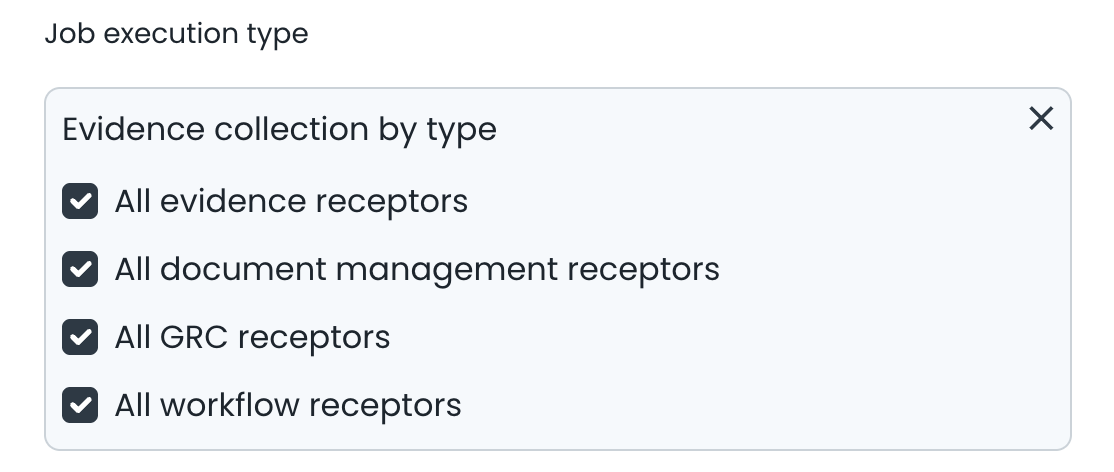
Evidence Collection by Type
This option lets you collect evidence based on the type of receptor. Any receptor enabled in your account of the specified type will be run with the scheduled job, including receptors configured after the schedule is created.
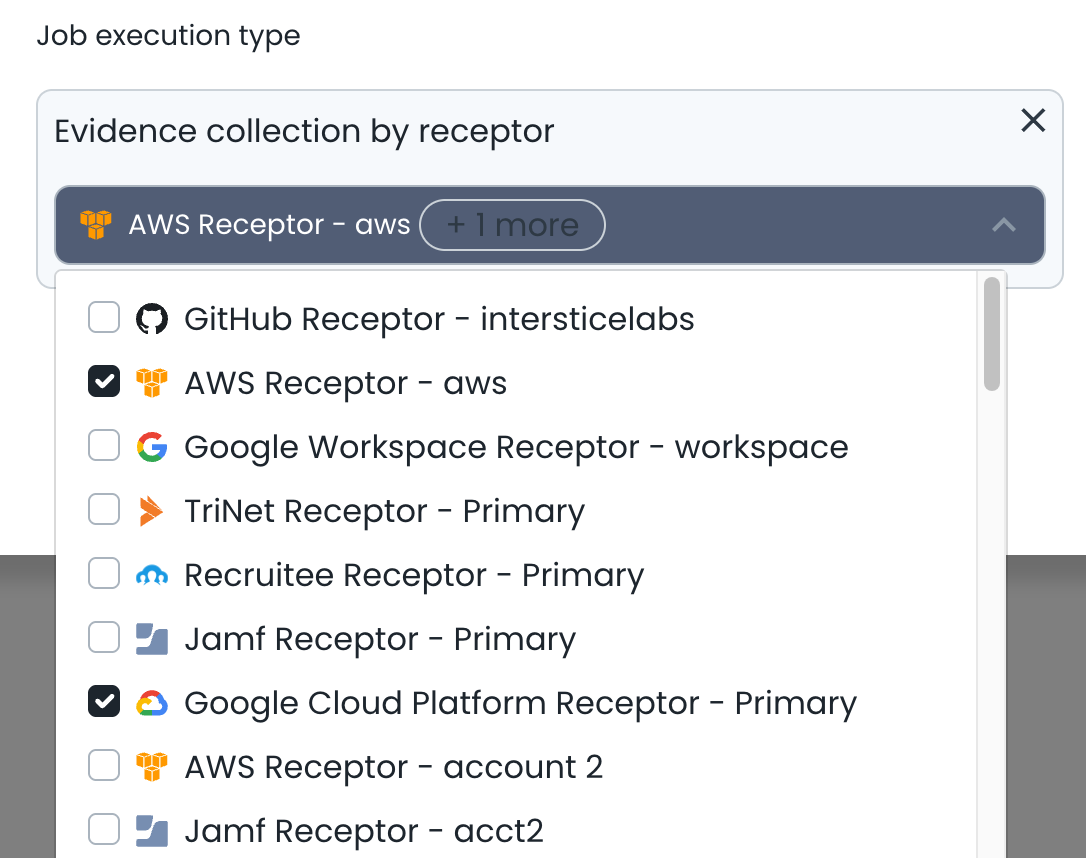
Evidence Collection by Receptor
This option lets you collect evidence based on one or more selected receptors of any type.
Examine and Test All Controls
This option runs Operational Effectiveness testing for all controls in your account.
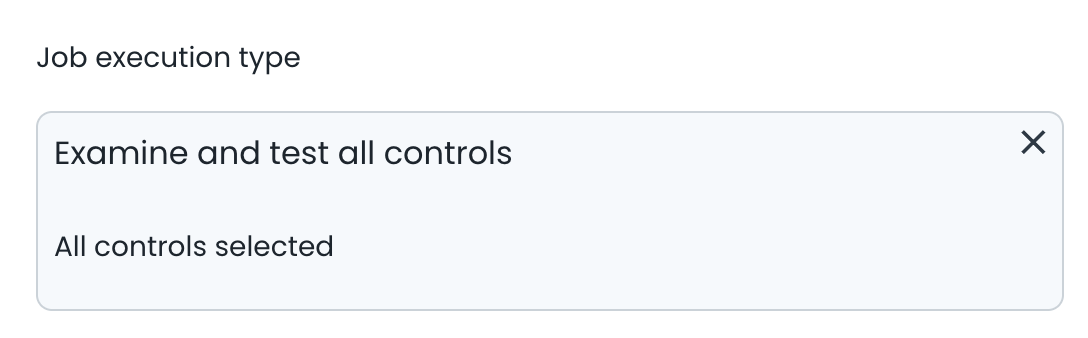
Note: when any scheduled control test runs, the system first determines whether each control requires re-testing. A control is re-tested only if something has changed since the last examination and test, such as updates to the underlying evidence.
Notifications are only sent when one or more controls have been tested.
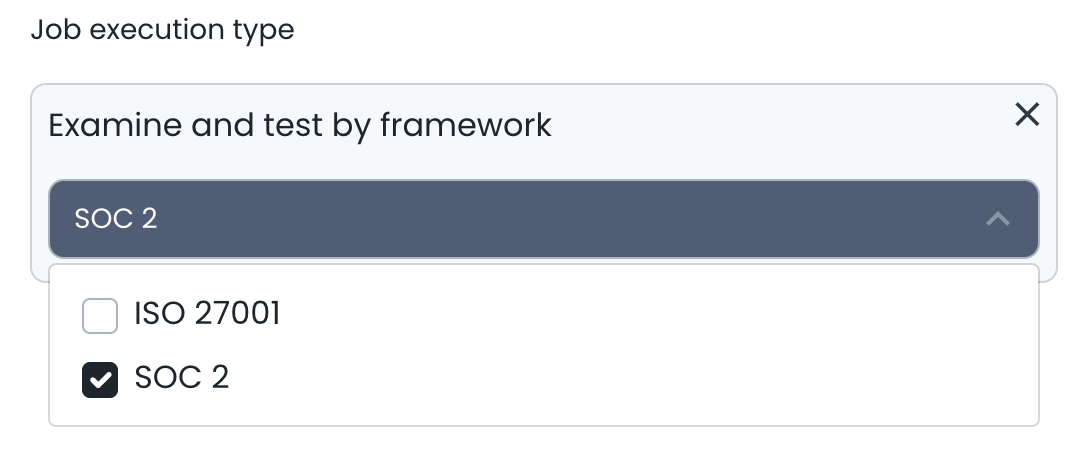
Examine and Test by Framework
This option runs Operational Effectiveness testing for all controls in one or more selected frameworks. This is useful for continuously monitoring for framework compliance.
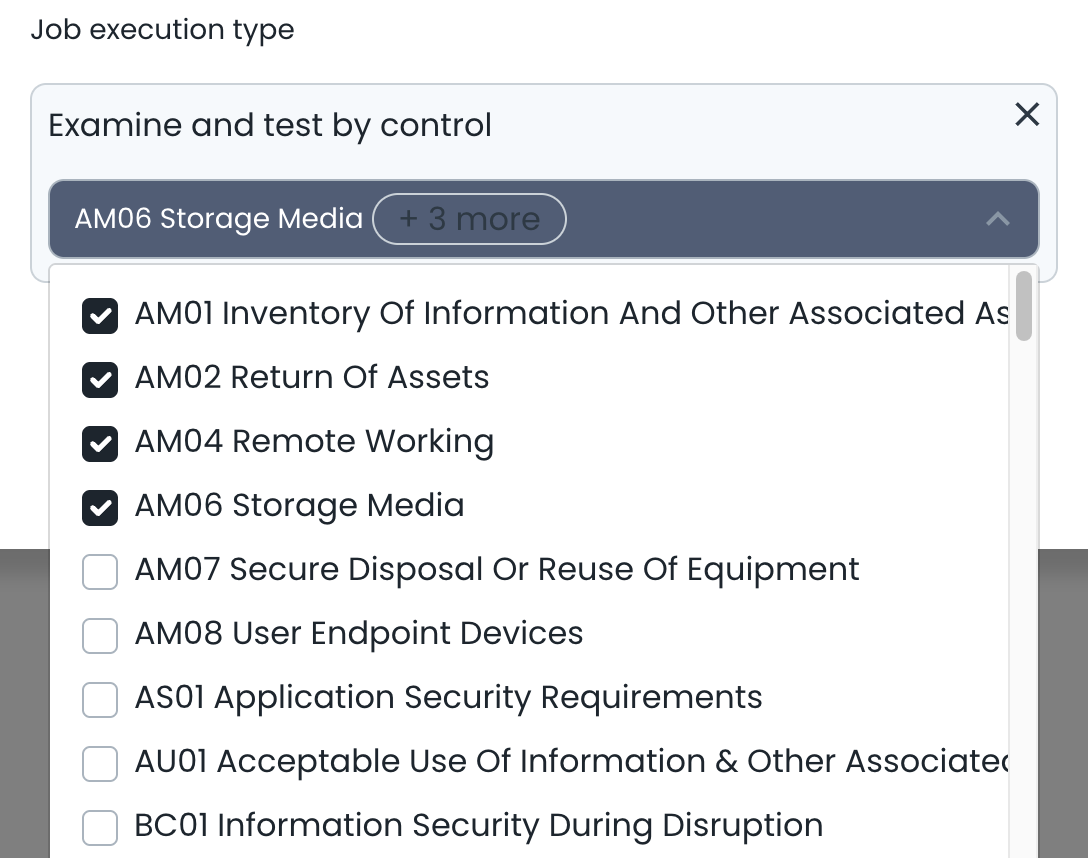
Examine and Test by Control
This option runs Operational Effectiveness testing on one or more selected controls. This is ideal for selecting a small number of controls that need to be tested frequently.
Editing a Schedule and Viewing Execution History
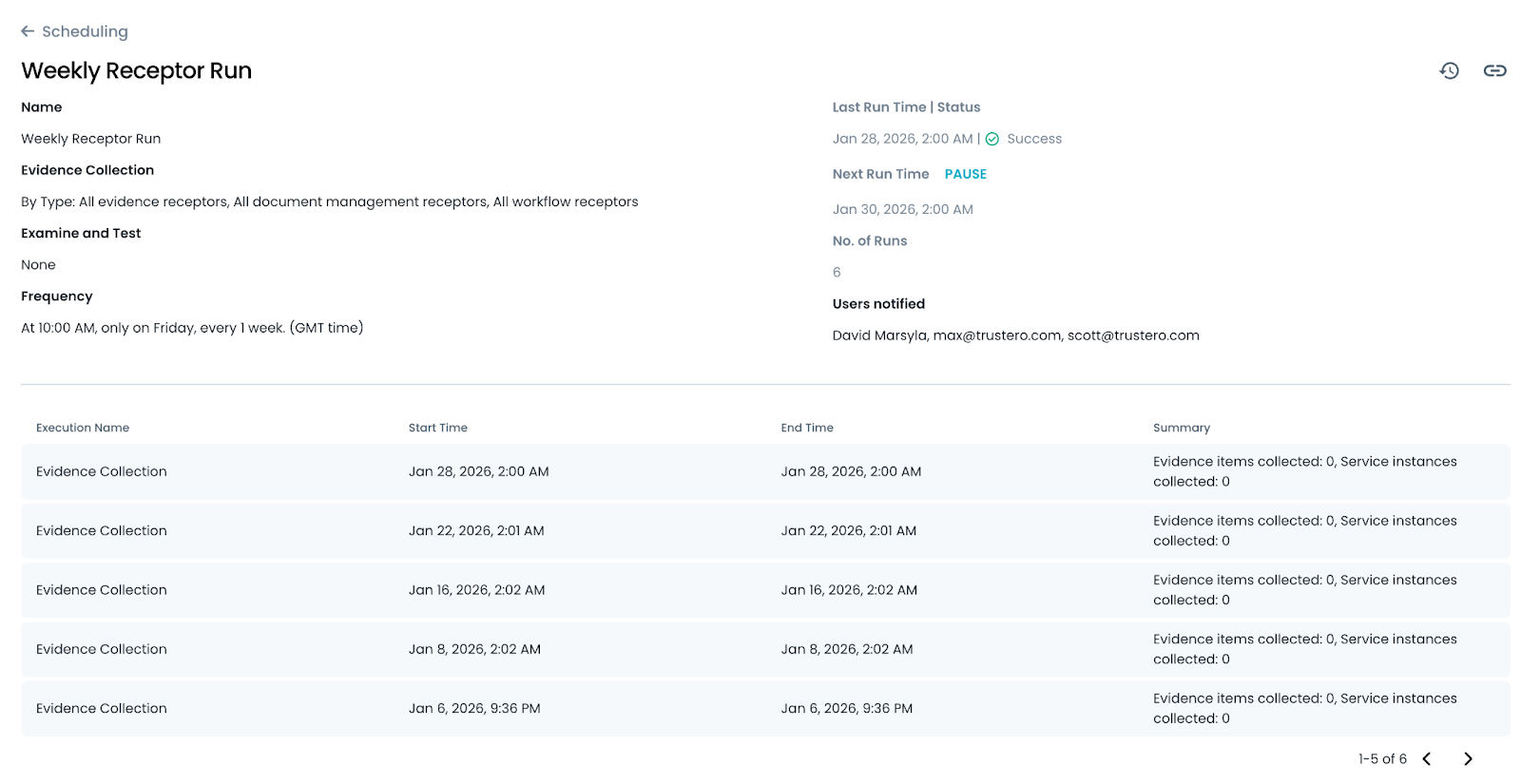
To edit or view an existing schedule, click on the schedule to navigate to its details page. The name of the schedule, the frequency, and receptor and control selections can be updated.
The schedule can also be paused if you would like to temporarily disable it (paused schedules appear greyed out on the schedule index page).
Below the schedule settings, you will see the history of executions and the results of each run. If a report is available for the execution run, you will see a link to the report from the summary.