![Trustero_Logo_RGB_1C.png]](https://support.trustero.com/hs-fs/hubfs/Trustero_Logo_RGB_1C.png?height=40&name=Trustero_Logo_RGB_1C.png)
Content Management / Branding
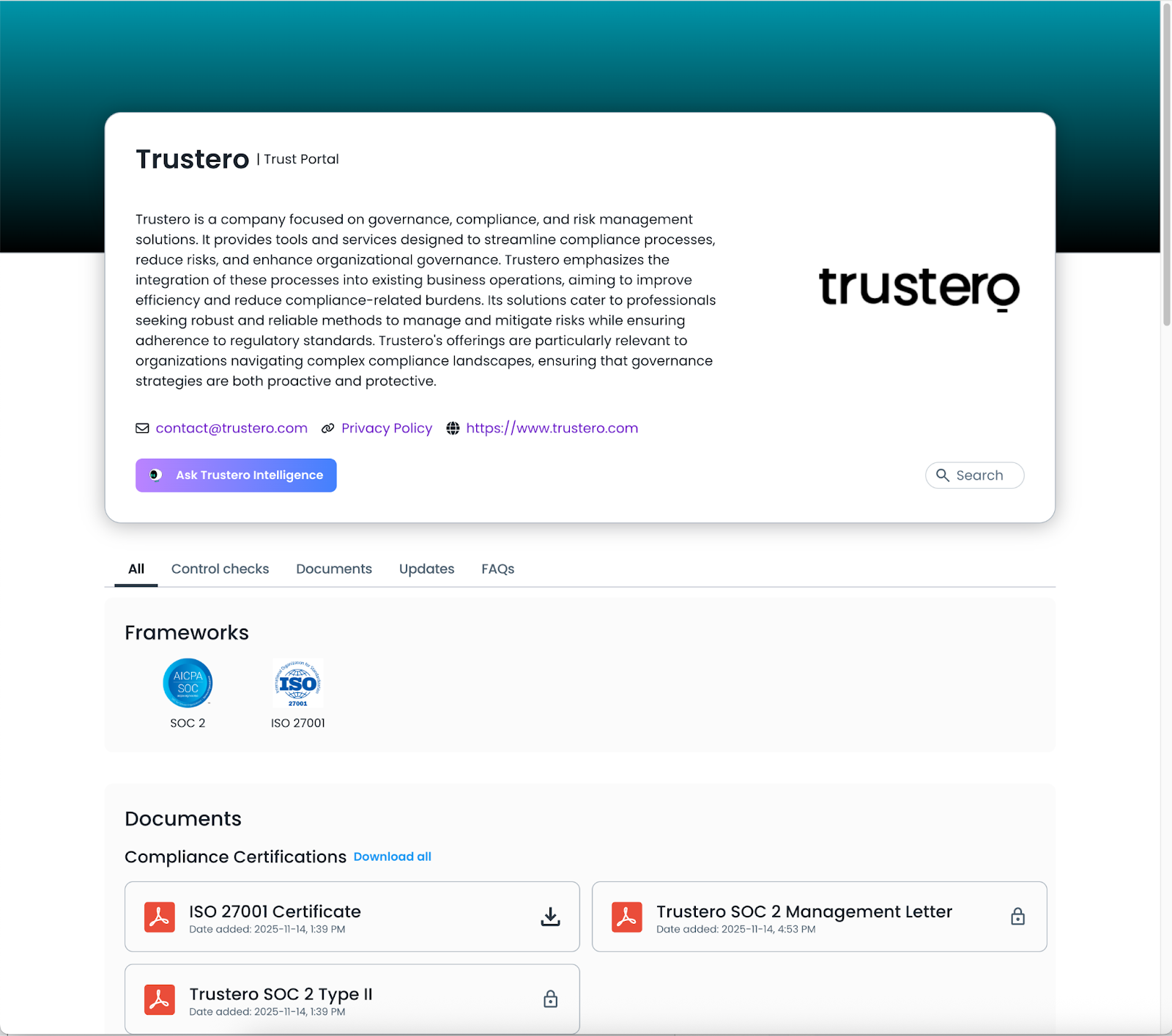
This tab lets publishers manage the overall look and feel of the Trust Portal visitors site. This also lets publishers select which compliance logos to include and modify the non-disclosure agreement that will be presented for confidential and restricted documents.
Getting Started
- Trust Portal Publishers (or Admins) go to the app; navigate to Customer Trust / Content Management / Branding tab
- Configure branding (see image details below)
- Enter link information (contact email, privacy policy, website URL)
- Create company summary
- Select compliance framework logos to include (upload custom logos if necessary)
- Edit information to include in non-disclosure agreement (company name, contact email)
- Preview site to make sure branding is correct
- Publish branding changes (if other features are going to be enabled, you may want to wait until the entire portal is configured before clicking Publish All)
Image Details
The portal can be customized with a logo and header images and browser icons.
Header image
You can provide a custom header image for your page. Here's how it's used:
-
Placement: The image is used as a background at the top of the portal.
-
Positioning: The image is centered both horizontally and vertically.
-
Scaling: The image is automatically scaled to cover the entire header area. This means:
-
The image will fill the space without distortion.
-
Some parts of the image may be cropped to maintain its aspect ratio.
-
-
Recommended Size: For best results, provide a landscape-oriented image (e.g., 1600x600 pixels or similar).
-
File Format: JPEG or PNG works best.
|
Property |
Recommended Value |
|---|---|
|
Max file size |
≤ 400 KB |
|
Preferred width |
1000–1600 px |
|
Preferred height |
300–500 px |
|
Min width |
800 px |
|
Min height |
200 px |
|
Aspect ratio |
~2:1 to 3:1 (landscape) |
|
Formats |
JPG (photos) or PNG (graphics, logos) |
Logo image
The logo is at the top of your portal.
|
Constraint |
Value |
|---|---|
|
Max file size |
|
|
Max dimensions |
|
|
Min dimensions |
|
|
Aspect ratio |
Any (non-square logos allowed) |
|
Formats |
JPG (photos) or PNG (graphics, logos) (SVG formats will not render properly in automated emails) |
Custom Browser Tab & Favicon
The title and favicon of a browser tab can be customized to align with your branding. Here are the specs:
- Title
Displays as the title in the browser tab- Must be fewer than 256 characters
- Favicon
Appears next to the title in the browser tab- Maximum size: 256x256 pixels
- Supported file types: .png, .jpg, .ico
Example Page