![Trustero_Logo_RGB_1C.png]](https://support.trustero.com/hs-fs/hubfs/Trustero_Logo_RGB_1C.png?height=40&name=Trustero_Logo_RGB_1C.png)
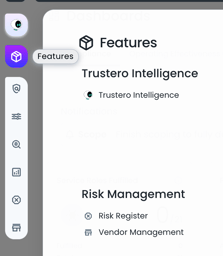
Trustero’s new Features page provides access to all product functionality in a single, organized view.
You can open this page at any time from the left-hand menu by clicking the Features icon.
The Features page displays links to all areas of Trustero, grouped by functionality for easy navigation.
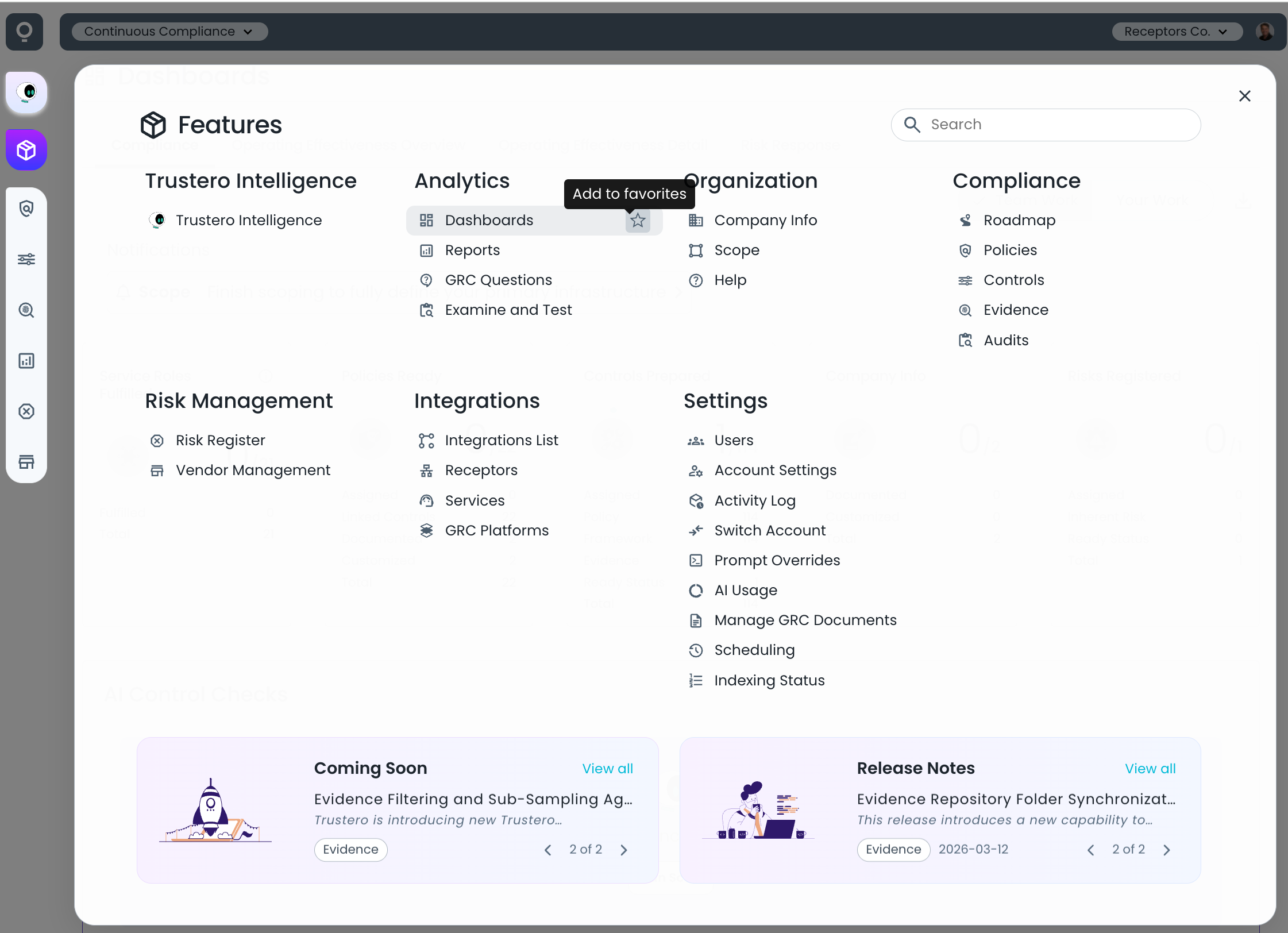
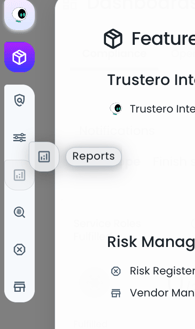
You can add any item from the Features page to your left-hand panel by clicking the Add to favorites star icon.
Favorites in the left-hand panel can be reordered by dragging and dropping icons to match your preferred workflow.
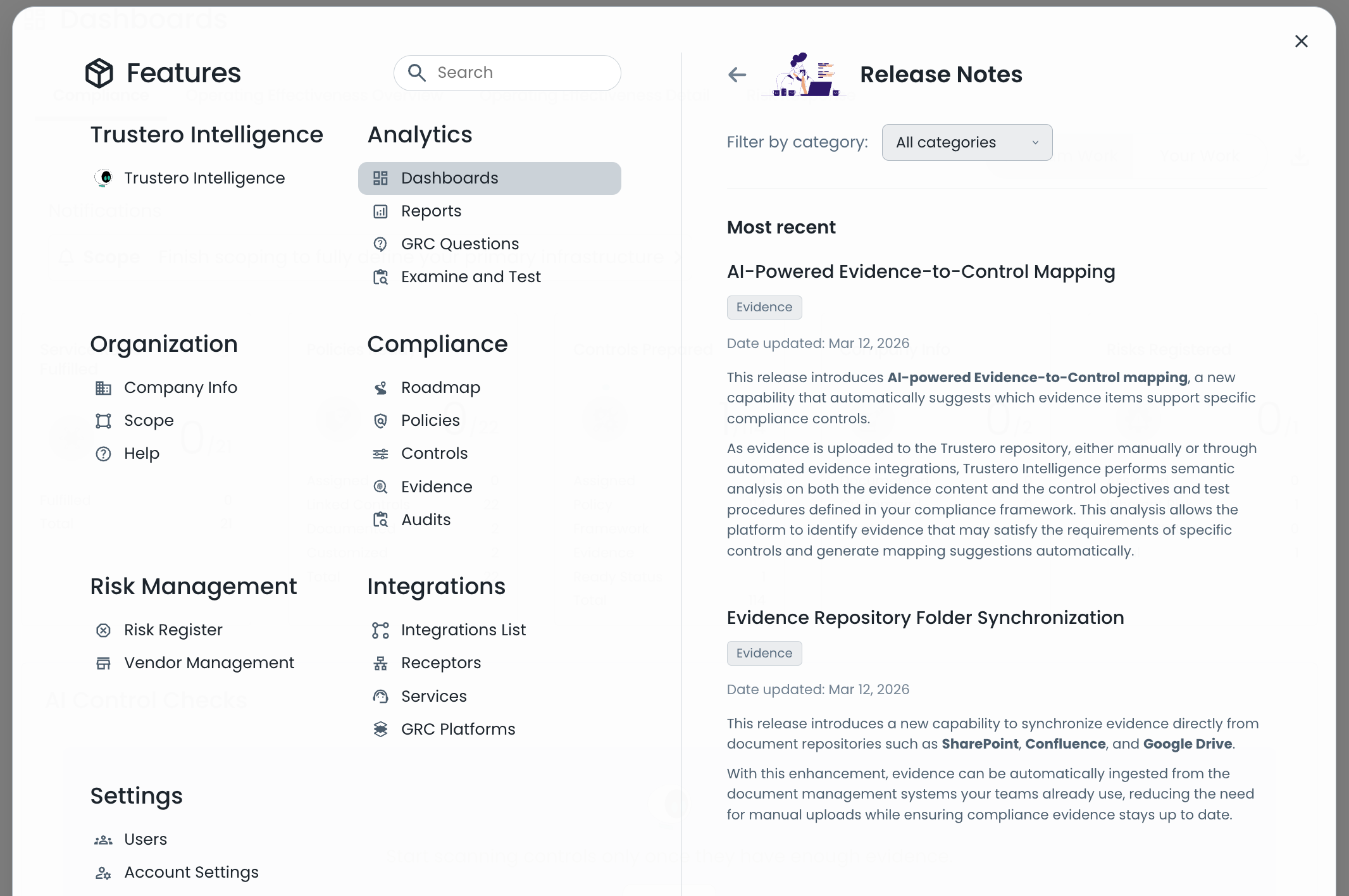
Product release notes are now accessible directly from the Features page by selecting the Release Notes section. The most recent updates are highlighted on the main page, with full details available in the release notes view. When additional help or documentation is available, it will be linked from there.
Upcoming functionality may appear in the Coming Soon section. Features listed here are typically a few weeks from release.